








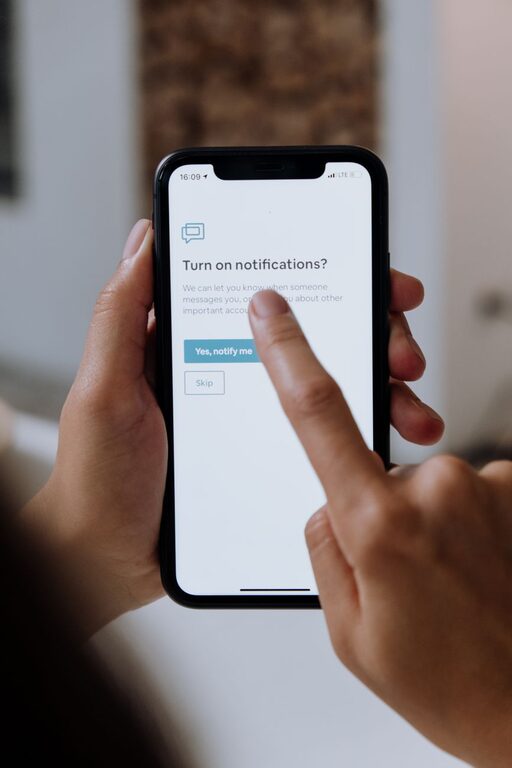

Effective Tips for Setting Boundaries with Notifications
In today’s digital world, notifications constantly vie for our attention. From social media alerts to email updates, these interruptions can make it challenging to concentrate and maintain balance. Setting clear boundaries with notifications is essential for boosting productivity and reducing stress. This guide offers practical tips to help you take control of your digital environment.
Why Set Boundaries with Notifications?
Notifications can be helpful reminders or crucial updates, but when they become excessive, they can lead to distraction, anxiety, and decreased efficiency. Establishing boundaries helps you:
– Maintain focus on important tasks
– Protect your mental well-being
– Free up more quality time
– Avoid feeling overwhelmed by constant interruptions
Assess Your Current Notification Settings
Before making changes, review which apps and devices are sending you notifications. Ask yourself:
– Which notifications do I really need?
– Which ones can wait until later?
– Are there any redundant or unnecessary alerts?
Taking stock gives you a clearer idea of where to start.
Tips for Setting Boundaries with Notifications
1. Customize Notifications by Priority
Not all notifications are created equal. Adjust settings so you only receive the most important alerts in real-time.
– Use “Do Not Disturb” or priority modes on your devices.
– Allow notifications from key contacts or apps only.
– Disable notifications for non-essential apps.
2. Schedule “Notification-Free” Times
Set specific periods during your day when you silence all or most notifications. This can help you focus during work, relaxation, or family time.
– Consider turning off notifications during meetings or focused work blocks.
– Schedule downtime in the evening to wind down without digital distractions.
3. Use Notification Summaries or Digests
Some smartphones and apps offer features to gather notifications and deliver them at scheduled intervals.
– This approach minimizes frequent interruptions.
– You can check all notifications in one go at a convenient time.
4. Manage Notifications Across Devices
Notifications can come from multiple devices like your phone, tablet, or computer. Make sure settings are consistent.
– Turn off duplicate notifications on secondary devices.
– Sync your notification preferences across platforms if possible.
5. Turn Off Non-Essential Sounds and Vibrations
Visual alerts alone are often enough. Sounds and vibrations can be especially disruptive.
– Disable notification sounds or set them to silent.
– Use visual badges or banners instead for less intrusion.
6. Unsubscribe and Unfollow Regularly
Reduce the number of incoming notifications by cleaning up your subscriptions.
– Unsubscribe from newsletters you don’t read.
– Unfollow social media accounts that flood your feed with unnecessary updates.
7. Use Focus or Productivity Apps
Consider apps designed to help you manage notifications and stay focused.
– These tools can block notifications temporarily.
– Some provide reports to help you understand your notification habits.
Benefits of Setting Boundaries with Notifications
When you manage your notifications thoughtfully, you are likely to experience:
– Improved concentration and productivity
– Lower stress levels and better mood
– More meaningful real-world interactions
– A healthier relationship with technology
Final Thoughts
Setting boundaries with notifications is not about completely disconnecting but about creating a balanced digital lifestyle. By customizing your settings, scheduling quiet times, and being selective with alerts, you gain control over your attention and time.
Take small steps to adjust your notification habits today and enjoy the benefits of a calmer, more focused day. Remember, technology should work for you—not the other way around.